


Adobe's pitch for its latest AI feature is almost suspiciously sensible: let the machine handle chores, keep judgment in human hands. The new AI Assistant is not presented as a replacement for Photoshop or Premiere. It is a conversational way to set up jobs designers already understand. That distinction is the whole case.
On June 18, Adobe brought its creative agent to Creative Cloud apps in public beta. The company lists Premiere, Photoshop, Illustrator, InDesign and Frame.io, while After Effects remains in private beta. A request can cover several actions at once, rather than sending you hunting through panels and menus.
The useful parts are concrete. In Premiere, Adobe says the assistant can sort footage into bins, batch-rename clips, identify interview questions and add markers. In Photoshop, it can resize assets for different platforms, organize layers or make background changes. Illustrator gets production work such as generating versioned files from spreadsheet data, layer reorganization and print preflight checks. This is setup work, not taste work.
That is the right line to draw. Creative software is full of mechanical steps that quietly eat the afternoon, especially when a project arrives with 87 clips called Untitled and a client brief that changed after lunch. But an assistant is only helpful when its work stays inspectable. Designers need to see what moved, what was renamed and what changed before a file leaves the building.
Firefly makes the broader idea more interesting. Creative Bloq's Tom May highlighted Elements, a feature that stores characters, locations and objects for reuse across generations. Alongside Projects, it addresses a familiar generative-image problem: getting an asset right once, then watching it drift on the next prompt. Consistency is less glamorous than a new image model, but it is closer to how campaigns and storyboards actually get made.
There is a necessary caveat. Public beta does not mean every Creative Cloud customer will see the same controls on day one. Adobe's June desktop release notes say direct AI Assistant access in the Creative Cloud desktop app was limited to some customers. Treat the rollout as a tool to test, not a new production dependency.
The practical move is to start small: asset organization, resizing, naming, marker placement, simple layout updates. Keep the brief, the art direction and the final review with the person who has to defend the work. If Adobe can make the boring parts traceable and reversible, it has a useful assistant. If it starts deciding what belongs in the frame, it has missed the job.
 Deepa Subramaniam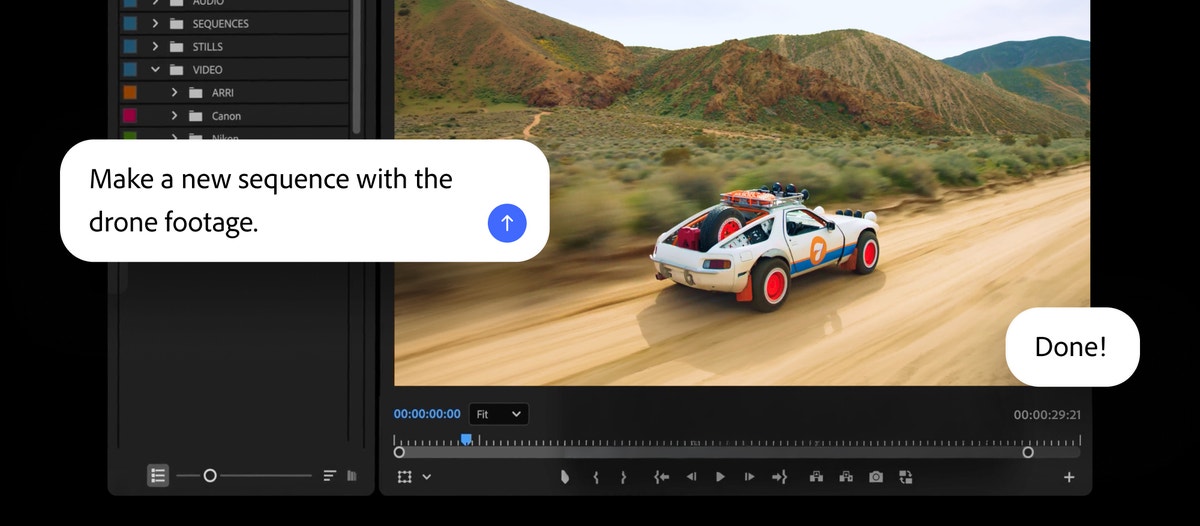


Discussion