


SVG AI is a browser-based AI tool built around a straightforward vector workflow: start with a text prompt or reference image, generate an SVG, refine the result with follow-up instructions, then download the file for further work.
For this review, we tested that workflow on tasks close to everyday design work, including icon sets, logo concepts, and illustrations. The exported files were then opened in Illustrator and Figma to see how editable they actually were, what remained easy to change, and how much cleanup was still required.
The result is a workflow that broadly works as advertised. The generated files are genuine editable SVGs, but the amount of finishing work varies considerably with the complexity of the asset.
Disclosure: SVG AI provided complimentary credits and enabled SVG export for the purposes of this independent editorial review. The article was produced without payment, and there was no obligation to publish or provide positive coverage.
Icons and logos: how far do edits take them?
We started with relatively controlled assets: icons and logos. The travel-app brief requested a matching set of rounded outline icons for a city map, panorama, photo slot, and train station. In Classic mode, SVG AI produced a coherent outline set with the requested subjects on a transparent background. The result matched the brief reasonably well, although uneven contours and some inconsistency in stroke or color treatment needed attention before UI use. The Ultra generation produced a cleaner, higher-quality result. Simpler individual assets, such as a user icon and a ghost icon, were more straightforward successes.

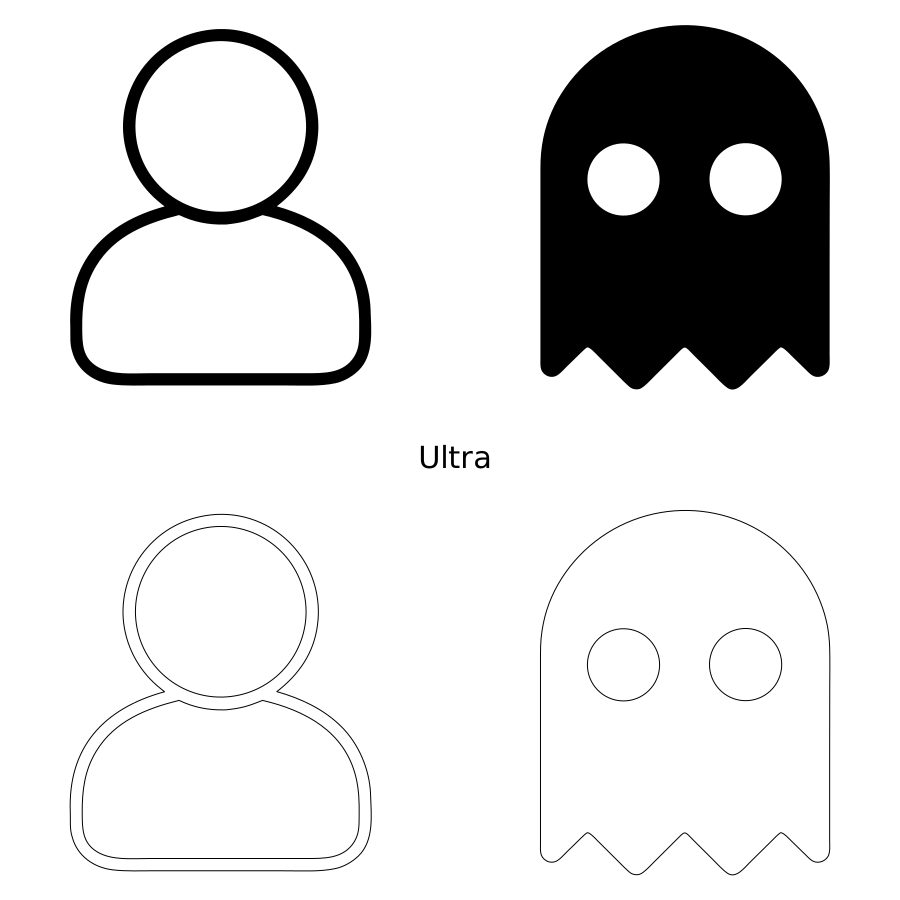
Icons generated in SVG AI
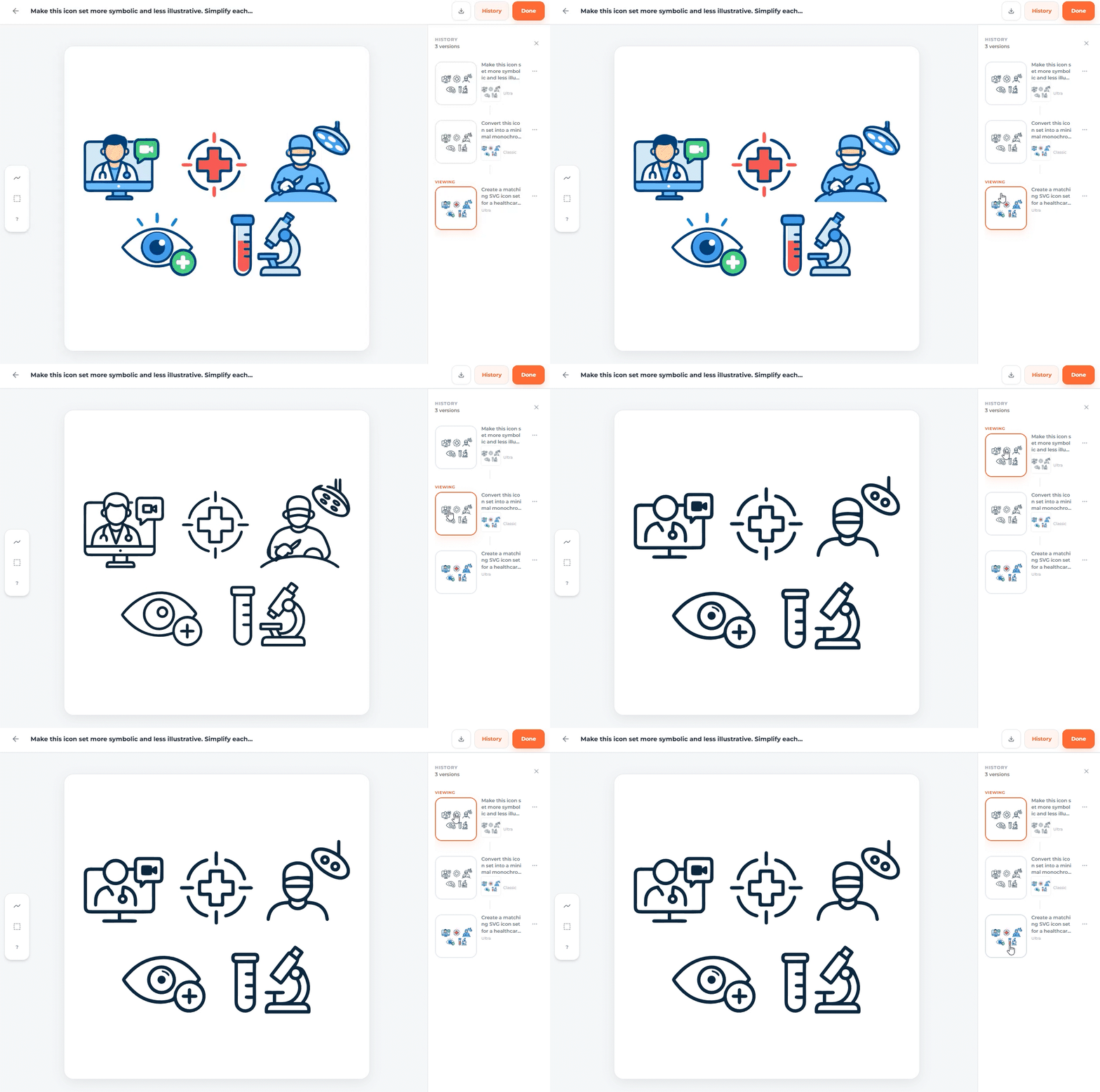
The healthcare set gave follow-up editing a clearer role. Its first result was colorful and more illustrative; a second prompt shifted it to monochrome outlines, and another simplified it further toward minimal UI graphics. The core subjects stayed intact through both refinements. That made the editing workflow useful: the same set could be pushed toward the intended visual language without starting over. In the final version, the contours were continuous and intact, although some slight unevenness remained, particularly around curved edges.
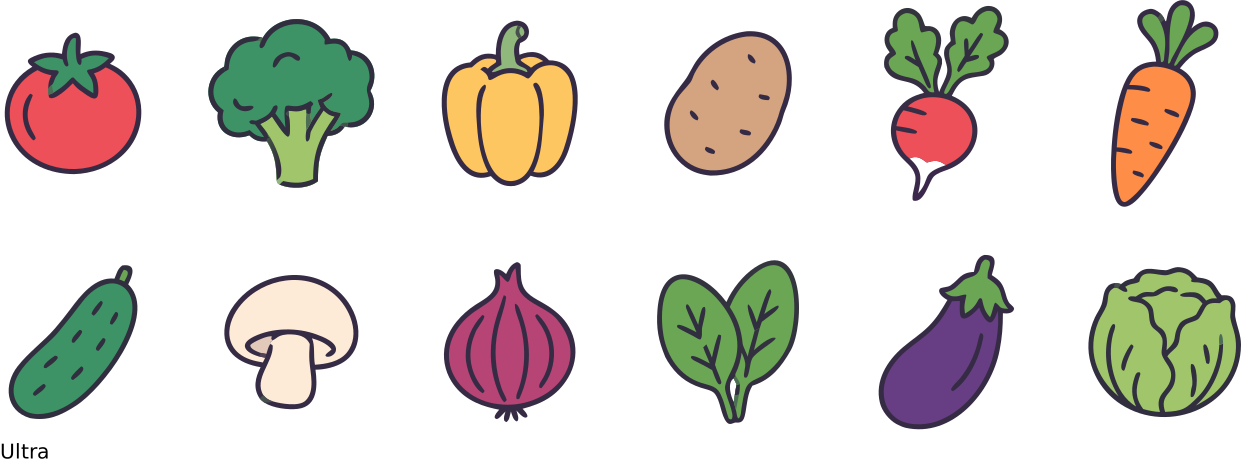
A vegetable icon set combined a reference image with instructions for simplified outlines and pastel colors. The resulting set retained the reference's overall visual direction without simply copying it, which made the workflow useful for packaging or branding exploration. The outlines still required cleanup.
A circular bakery badge featuring a basket of baked goods and the more illustrative Night Owl Coffee mascot both produced workable concepts. Although both were generated in Ultra mode, close inspection still revealed contour imperfections. In practice, these outputs work better as material for further refinement, whether that means cleaning paths, adjusting shapes, or resolving smaller details. Before they could be used confidently in static applications, and especially in animation, the vector contours would need to be brought to a much cleaner final state.



logo concepts generated in SVG AI
What happens when the SVG gets complicated?
A tree-based hero for a genetics website worked well as a medium-detail digital illustration, although it still needed some manual refinement.

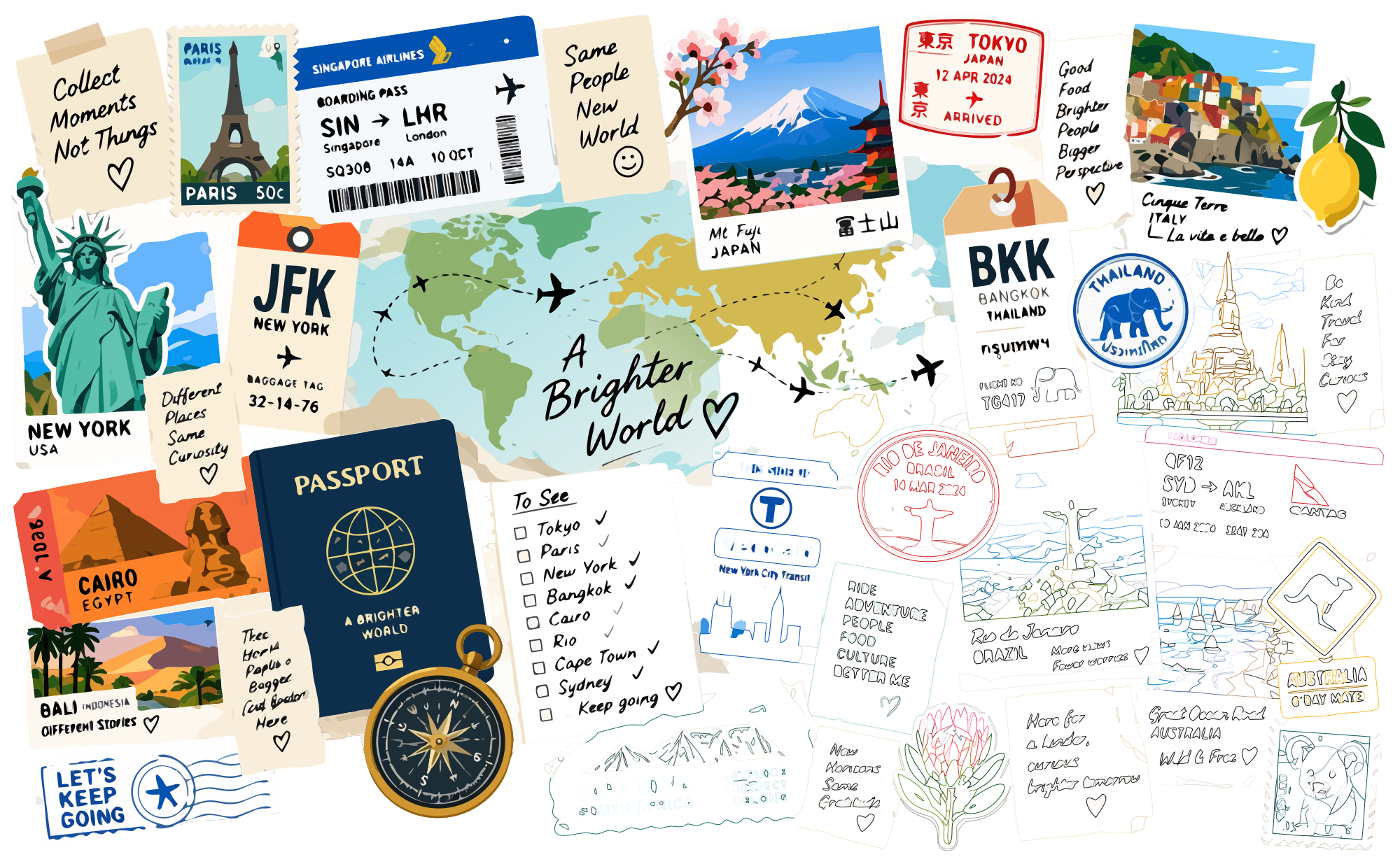
We also tested more complex compositions that included text. A reference-based map was less successful: the labels lacked clarity, and the internal vector structure became noticeably heavier. A dense travel collage looked reasonably cohesive at first glance, but the small details and poor text quality made it unsuitable for use in its original form. In both cases, the illustrations felt more like raw vector drafts than finished assets and would need further cleanup before practical use.
The recorded path counts show how quickly complexity can increase within a single workflow. A very simple user icon used approximately one path, the vegetable reference set around 92, larger illustrations roughly 3,700 to 7,000, and the complex map more than 16,000.
These are examples from this test, not universal benchmarks. Path count alone does not determine design quality, but the heavier files were clearly less convenient to edit. Controlled compositions produced a more manageable handoff.
The exported SVG files opened correctly in both Illustrator and Figma and remained genuinely editable. Individual elements could be recolored, deleted, or reshaped. Objects were not grouped by default, however, and simple forms sometimes contained more anchor points than necessary. During inspection, even circles could contain more than ten points.


Credits and the practical verdict
SVG AI is a paid service with free signup credits for trying generation. During this test, Classic used 2 credits per generation and Ultra used 4. Ultra generally produced cleaner results with fewer visible artifacts, while Classic was more suitable for rough exploration. This was a hands-on observation rather than a controlled benchmark, and current purchase options are available on the service's pricing page.
The wider toolkit also includes an SVG Editor and Optimizer, vectorization and conversion tools, animation features, SVG-to-video conversion, and API/MCP access. These utilities were not covered in this review.
For designers working on icons, logo concepts, and illustrations, keeping generation and refinement within a single workflow makes the handoff to Illustrator or Figma genuinely convenient. Our testing supports the practical value of that process. Whether that convenience justifies the cost will depend on each designer's workflow and the amount of manual cleanup each asset requires.
The overall result is easy to judge visually, but contour quality becomes clearer once the SVG is opened in an editor. That is where excess anchor points, small path imperfections, and file complexity become part of the actual design work.


Discussion