



Romina Kavcic wrote a detailed, practical guide on how to use Figma Make in a way that actually works for your team — instead of creating more chaos than it solves. If you've tried AI prototyping and walked away frustrated, this is worth reading carefully.
The real problem isn't the AI
The bottleneck in AI prototyping isn't the tools themselves, it's context loss. Most workflows look the same — you design in Figma, jump to an external tool to generate a prototype, and that tool invents new components, ignores your tokens, and produces output that has nothing to do with your design system. You then spend more time reconciling the result than you saved generating it.
Figma Make is built to solve exactly this. Because it lives inside your Figma file, it has direct access to your components, your color and spacing variables, and your naming conventions — all the decisions already encoded in your system.
What the guide covers
Romina breaks the process into five phases: setting up the right libraries before you prompt, writing prompts that reference your design system by name, iterating one change at a time, connecting external tools like Notion, GitHub, and Supabase via MCP connectors, and choosing the right output format — whether that's a Figma file for stakeholder review, exported code as a dev reference, or a published standalone demo.
What makes it especially useful is that it doesn't stay abstract. She walks through four concrete examples with real prompts, ranging from a simple mobile flashcard app to an illustration gallery powered by live API data — all built without leaving Figma.
If your team already has a component library set up, this workflow is ready to use today.
 learn.thedesignsystem.guide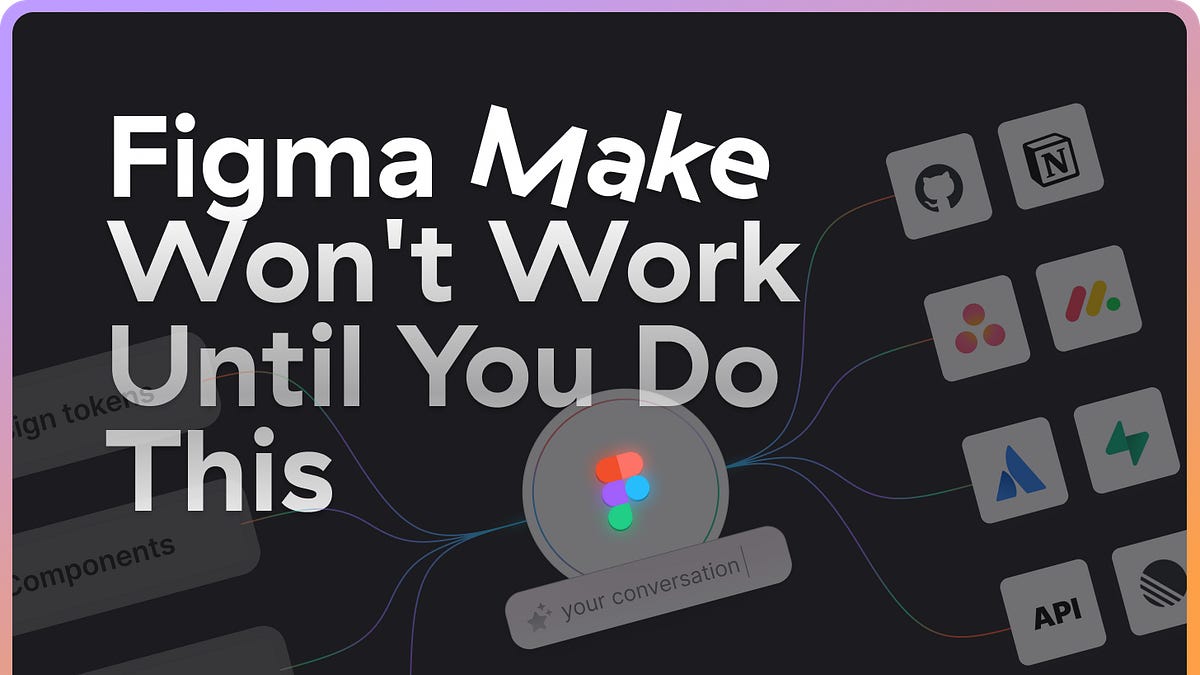


Discussion